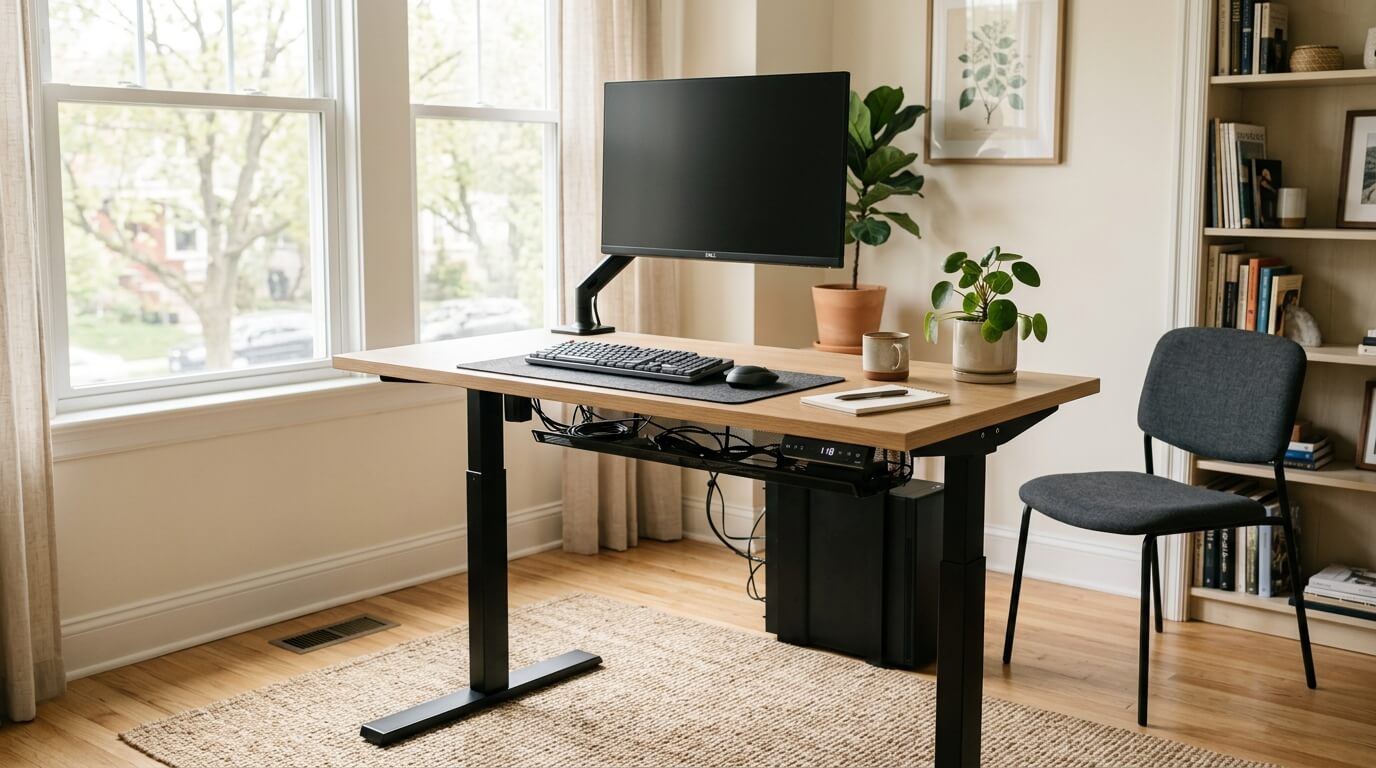
What makes a good home-office standing desk
The best standing desk for home use is not necessarily the most expensive frame. It is the one that fits your height range, room size, monitor setup, and tolerance for assembly.
Home offices create constraints that corporate offices often hide: uneven floors, limited wall clearance, shared rooms, and cable runs that include chargers, routers, and personal devices. A desk that ignores those constraints becomes frustrating.
Best standing desk types
- Best value electric frame: a stable two-leg frame with memory presets and a desktop deep enough for monitor distance.
- Best for tall users: a three-stage frame with a wide height range and a deep top.
- Best for heavy monitor setups: a frame with strong lateral stability and a top that supports monitor-arm clamps.
- Best small-room option: a narrower desktop with careful cable routing and a single high-quality monitor arm.
- Best budget path: upgrade the chair, monitor height, and keyboard position first if the standing desk would force compromises.
Stability and desktop sizing
Standing height exposes wobble. A desk that feels fine seated can shake when raised, especially with a heavy ultrawide monitor on an extended arm. Look for real-world stability feedback and avoid pairing a narrow frame with an oversized top.
Depth is often more important than width. A 30-inch deep desktop gives more comfortable monitor distance than many shallow fashionable desks. If you use a laptop plus external monitor, depth also helps keep the keyboard in a relaxed position.
Height range and presets
Memory presets matter because they remove friction. If changing height requires holding a button every time, many people stop using the feature. Store a seated height and a standing height after tuning them with your shoes, mat, and keyboard position.
Shorter users should verify the minimum height with desktop thickness included. Taller users should verify maximum height without raising shoulders. A footrest can help seated posture, but it does not fix an overly high keyboard surface.
Before you buy
- Measure chair arm height, seated elbow height, standing elbow height, and monitor distance.
- Decide where power will enter the moving desk and how much slack each cable needs.
- Check clamp compatibility for monitor arms and cable trays.
- Account for desktop weight, not only gear weight.
- Keep the first week experimental. Adjust presets after real work sessions, not after a five-minute setup test.
FAQ
Is standing all day better than sitting?
No. The goal is movement and posture variety, not replacing one static posture with another.
Do I need an anti-fatigue mat?
It can help if you stand for longer blocks, but shoes, floor type, and standing duration matter.
Are budget standing desks stable enough?
Some are. Stability depends on frame design, desktop size, assembly, floor, and monitor load.