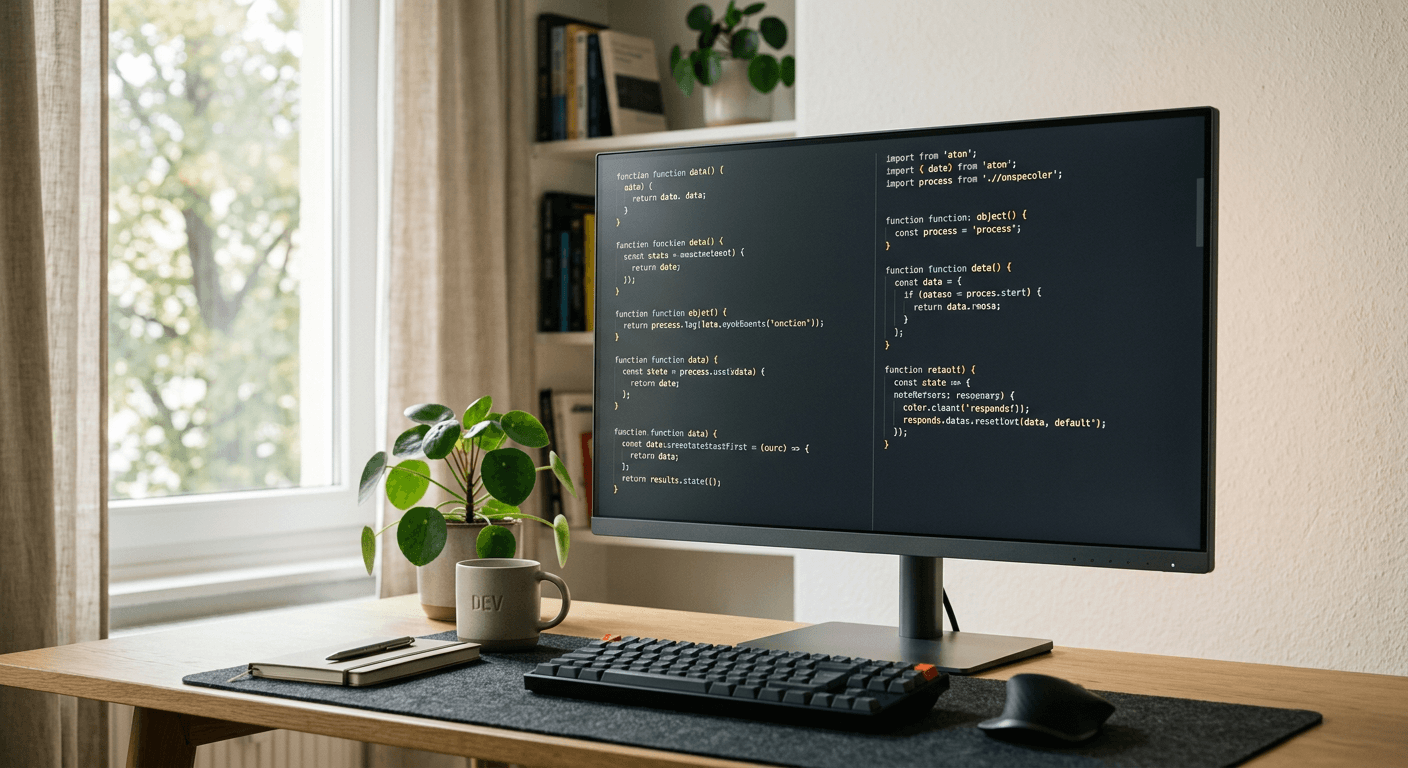
The coding monitor problem
Monitor advice often over-focuses on size and refresh rate. For programming, the core questions are simpler: can you read text comfortably, place windows without friction, and keep the screen at a healthy distance?
A great coding display does not need fake HDR claims or gaming branding. It needs clean text rendering, height adjustment or VESA mounting, reliable inputs, and a size that works with your desk.
Best categories to consider
- 27-inch 4K: best default for most developers who value crisp text and a normal desk footprint.
- 32-inch 4K: best for users who want more physical canvas and have enough desk depth.
- 34-inch ultrawide: best for side-by-side editor, browser, terminal, and timeline workflows without a center bezel.
- Dual 27-inch monitors: best when you want one primary coding display and one dedicated reference or communication display.
- USB-C productivity monitors: best for MacBook and laptop users who want display, charging, and hub functions in one cable.
Text clarity and scaling
Text clarity depends on pixel density, panel quality, OS scaling, and viewing distance. A 27-inch 4K monitor often lands in a comfortable zone where text is sharp and the display is not physically overwhelming.
Mac users should pay special attention to scaling behavior. Some resolutions look sharper than others because of how macOS renders scaled UI. Windows users have broader scaling flexibility, but mixed-DPI multi-monitor setups can still be annoying.
If you code all day, avoid buying purely by diagonal size. A large lower-density panel can feel spacious but make small text less pleasant.
Ports, stands, and arms
USB-C can simplify a laptop desk by carrying video, charging, and USB peripherals. It is worth paying for if you dock and undock often. It is less important for a fixed desktop tower.
A good stand or monitor arm is part of the monitor purchase. The top of the screen should sit near eye level for many users, and the display should move close enough without stealing desk space.
Check VESA support, power delivery wattage, and whether the USB hub works the way you expect. Product names can be similar while port selections differ.
What to avoid
Avoid chasing HDR labels on ordinary productivity monitors. Many office displays accept HDR signals but cannot produce meaningful HDR.
Avoid buying the biggest panel your budget allows if your desk is shallow. Sitting too close to a large screen increases neck and eye movement.
Avoid assuming high refresh rate matters for coding. It is pleasant, but text clarity and ergonomics usually matter more for work.
FAQ
Is 4K worth it for coding?
Usually yes at 27 or 32 inches if your system handles scaling well. The benefit is sharper text, not just more space.
Is an ultrawide better than two monitors?
It depends on workflow. Ultrawide is cleaner and continuous. Dual monitors are better when you want hard separation between focus and reference areas.
Do developers need color-accurate monitors?
Most do not need reference-grade color, but decent factory tuning helps if you also review design work or content.